 Pickture
Pick the keepers.
Skip the rest.
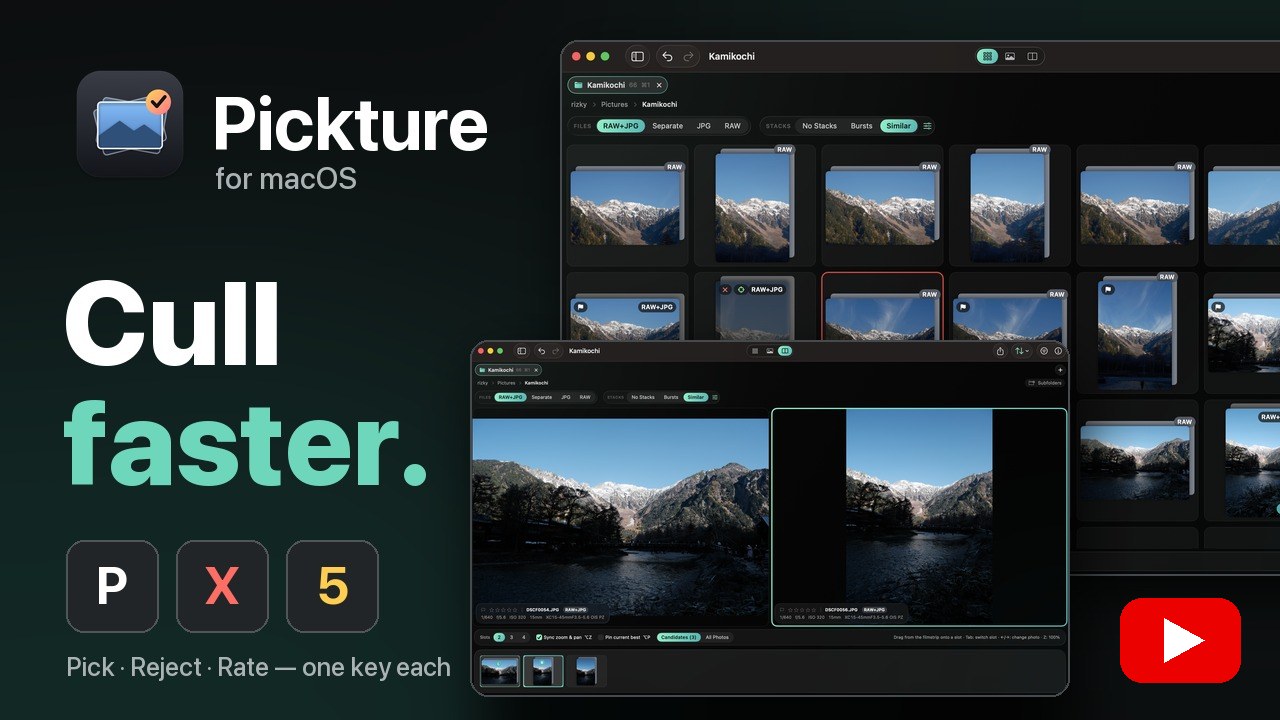
Pickture is a fast, keyboard-first photo culler for RAW + JPEG shooters. Go through a whole shoot, keep the best frames, and hand them to Lightroom without importing a thing.
macOS 14 Sonoma or later · Apple silicon & Intel · No account, no tracking
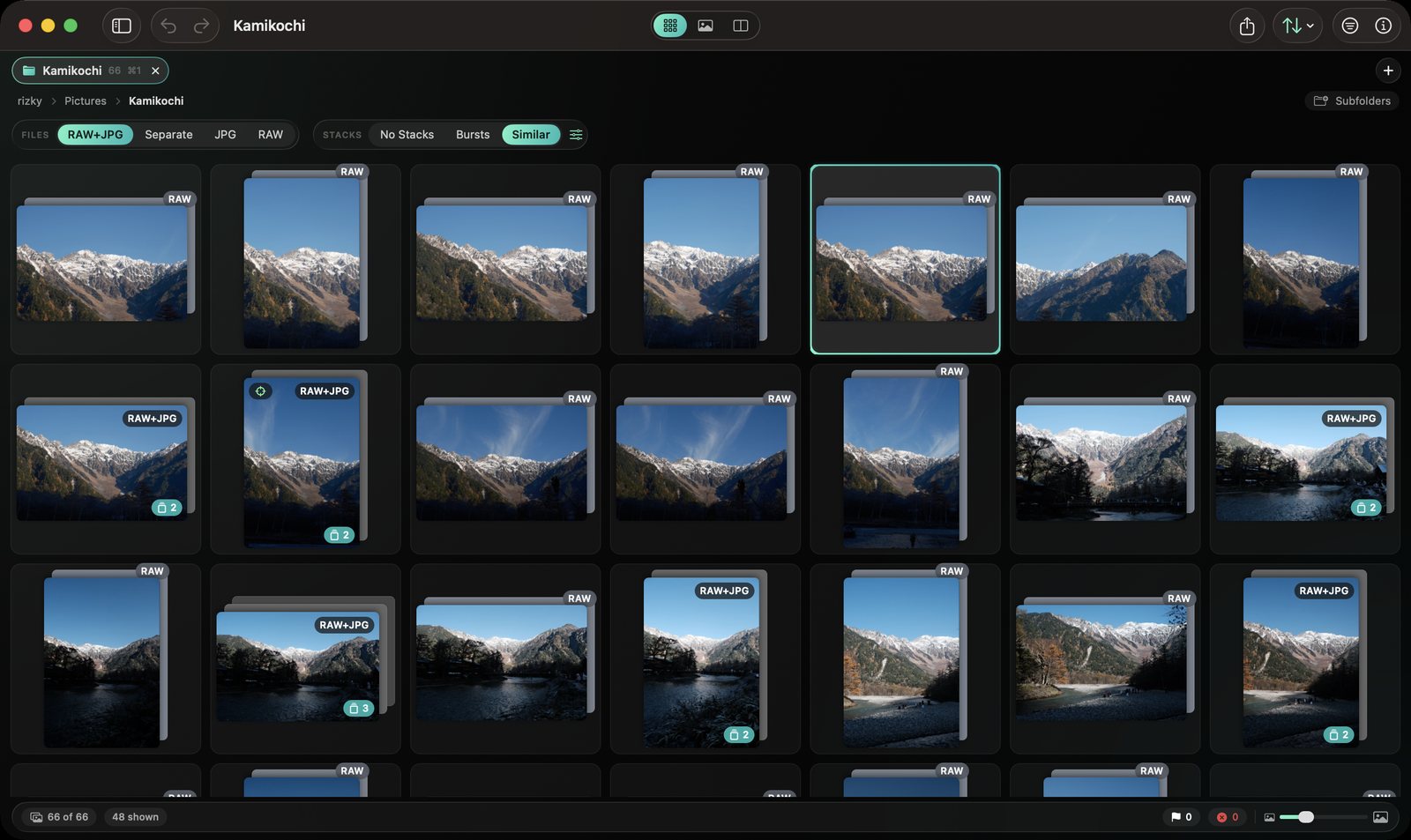
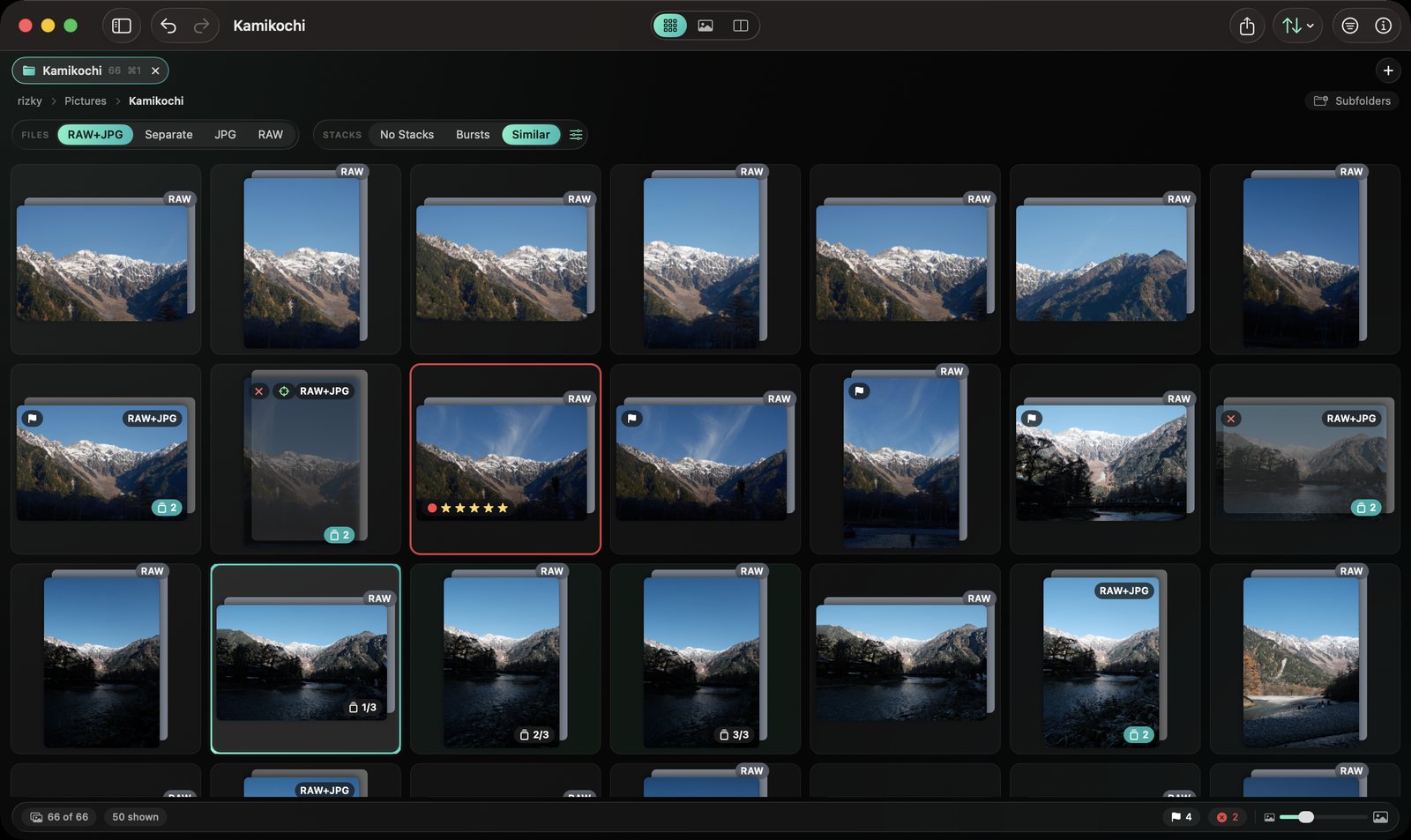
One key per decision.
Click the frame below, then cull with your keyboard, exactly like in the app. Hold ⇧ to mark and move on.
Not a catalog. Not an editor.
Just the fastest way through a shoot.
Pickture works directly on your folders and never touches your pixels.
Bursts and lookalikes, stacked for you.
On-device Vision groups bursts and similar shots automatically, so you compare five frames once instead of scrolling past them five times.
- Strict ↔ loose similarity slider
- A hint for the sharpest frame in every stack
- Press S to expand, mark the whole stack in one go
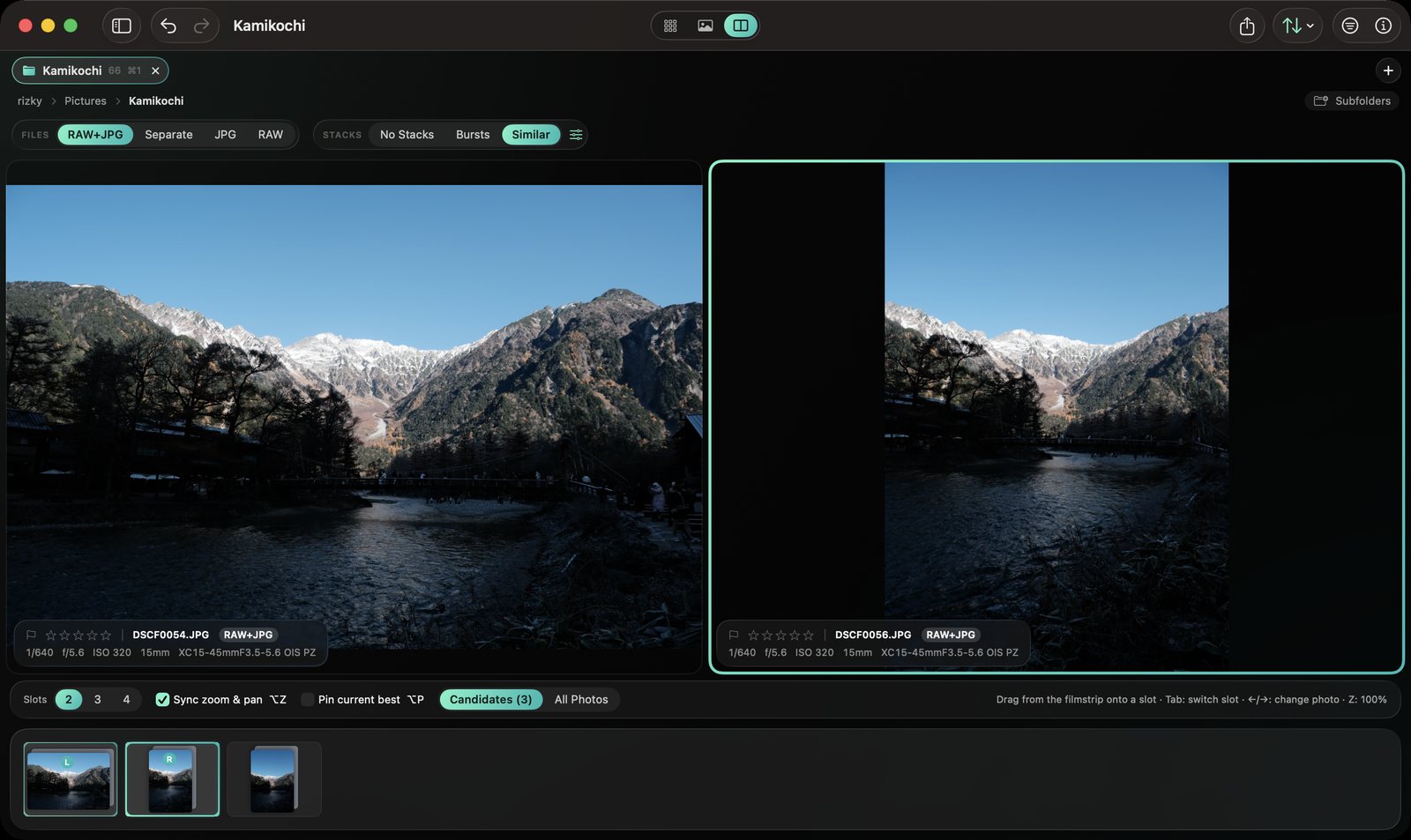
Compare side by side. Zoom where it matters.
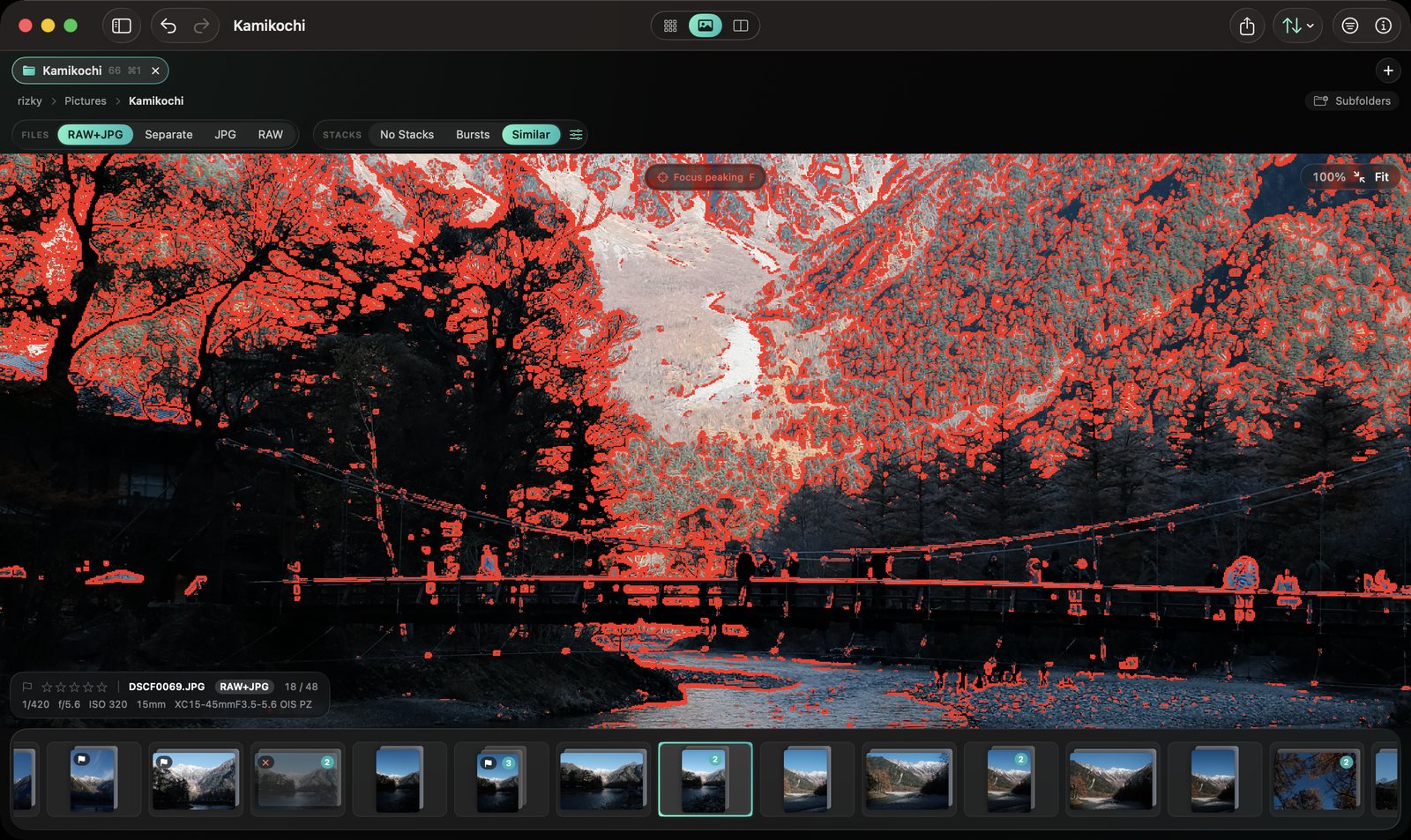
Put two to four frames next to each other with zoom and pan in sync, then go to 100% with focus peaking to see exactly where focus landed.
- Zoom straight to the eyes, face or animal
- Highlight and shadow clipping overlay
- 100% zoom on a RAW in about 50 ms
One photo, two files. Marks go to both.
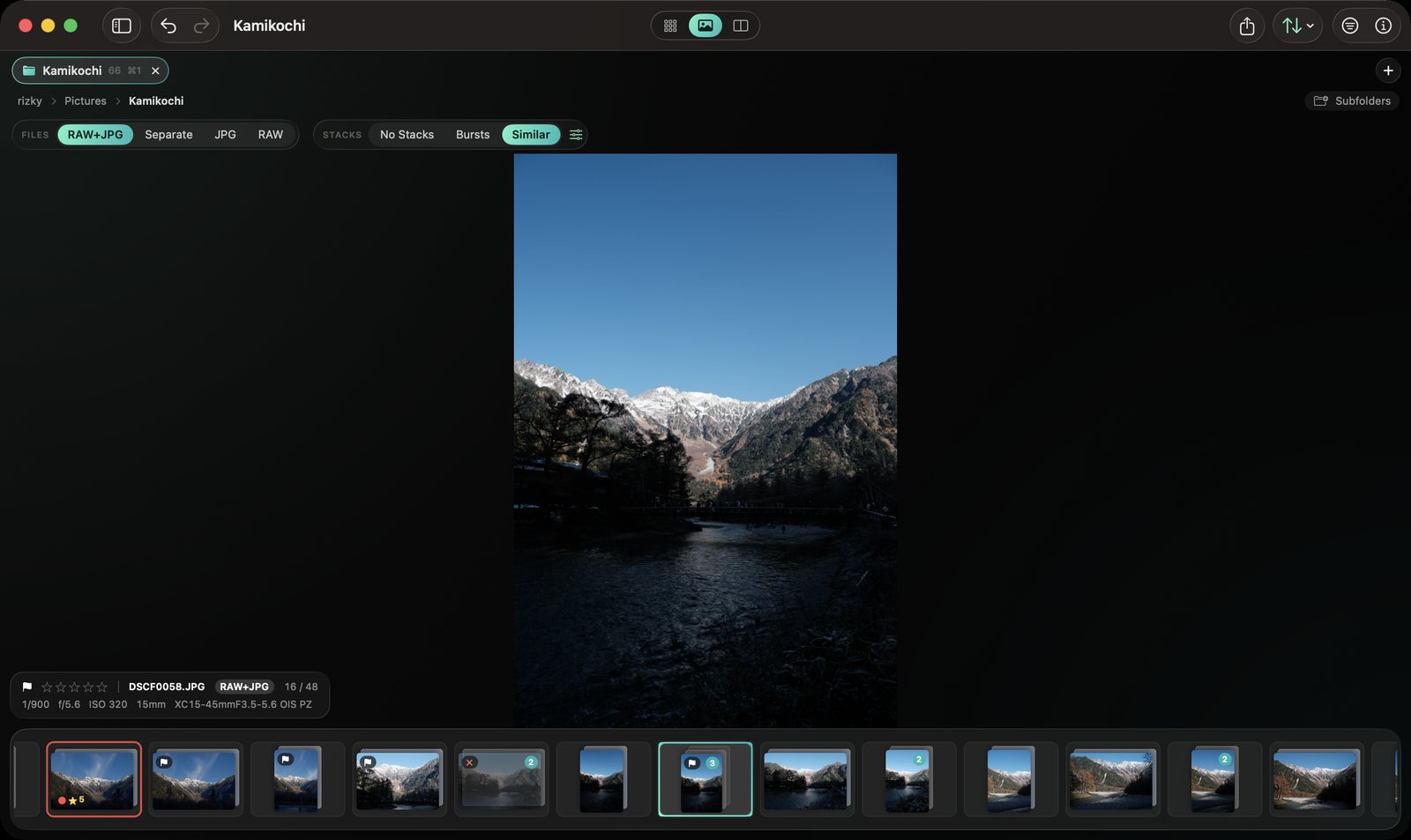
Show each RAW and its JPEG as a single photo, separately, or just one kind. View the camera's own preview (film simulations and all) or a true RAW render from the sensor data.
- Filter by flag, rating, label, camera, lens, ISO, aperture, date…
- Grid, Loupe with filmstrip & EXIF, and Compare
- Light on resources, even with tens of thousands of photos
Ready to post, straight from the cull.
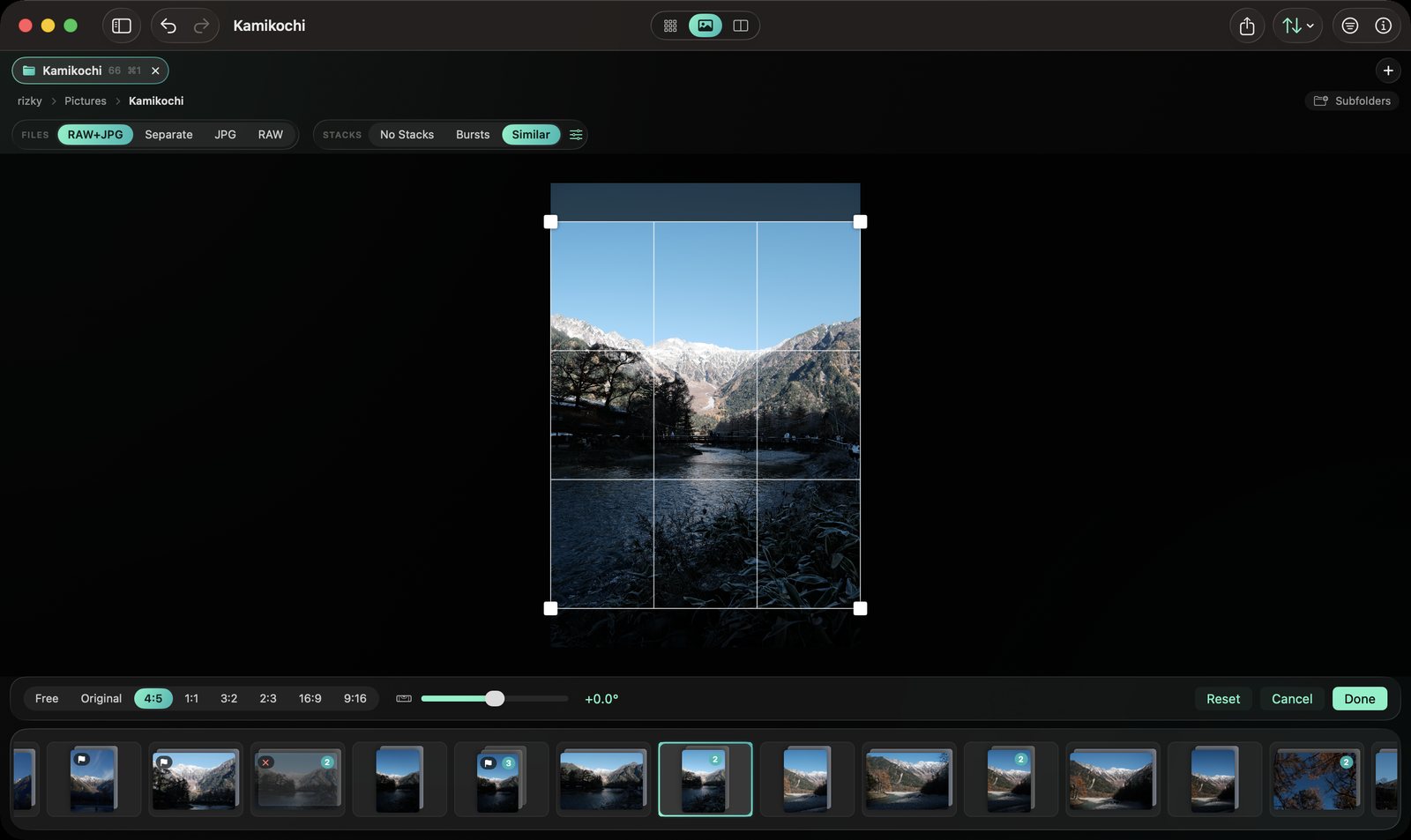
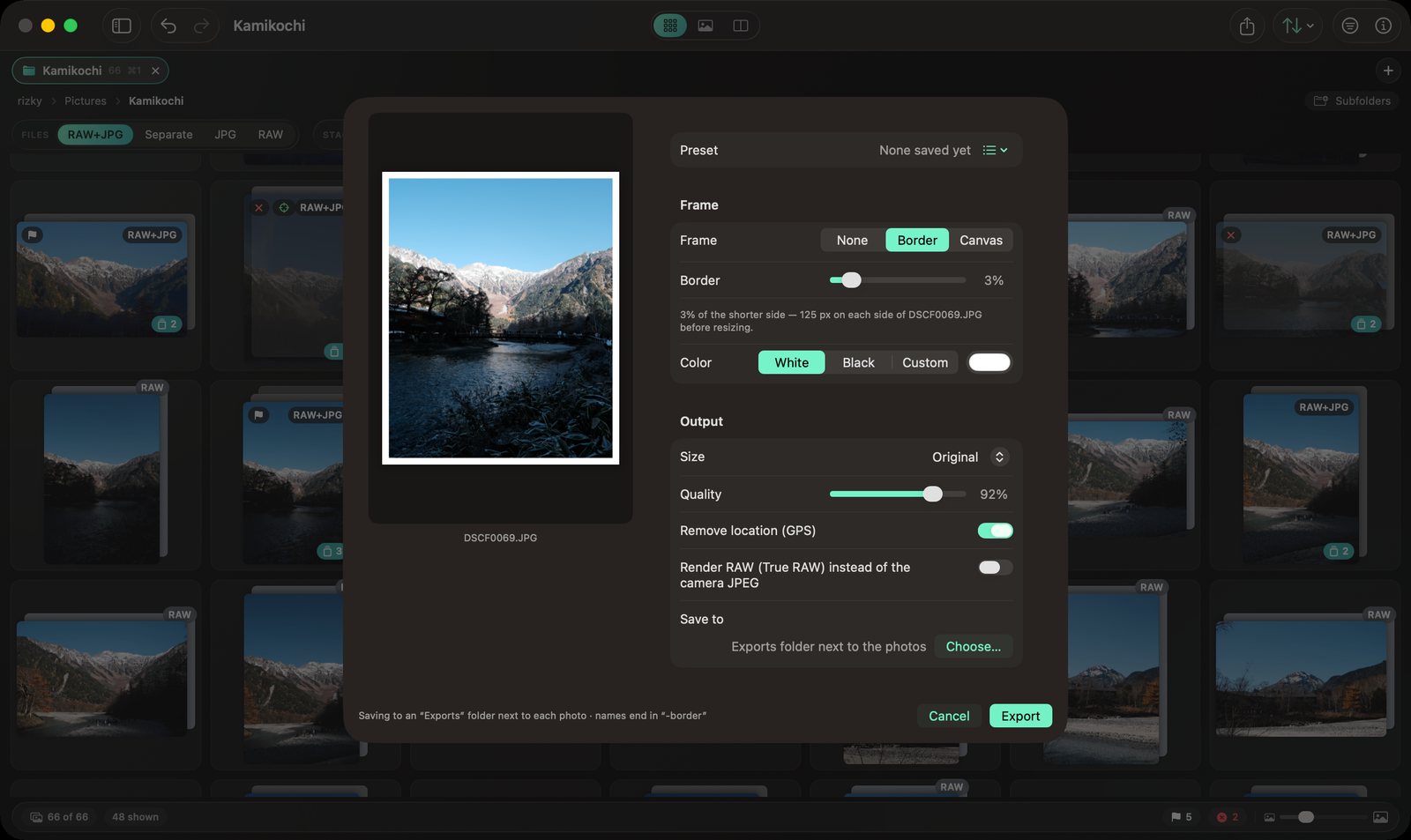
Non-destructive crop and straighten with common ratios, saved to XMP so Lightroom sees the crop too. Export a batch with a white border or a fixed-ratio canvas, sized for posting.
- 4:5, 1:1, 9:16, 16:9 or custom
- Any border color, e.g. 1080 px wide, GPS removed
- Save your own export presets
Your marks travel
Ratings, labels, flags and crops are written to standard XMP (embedded in JPEG/HEIC/TIFF, .xmp sidecars for RAW), so Lightroom and other tools read them.
Safe by design
Merge-only, atomic writes. Pixels are never re-encoded. Nothing is deleted permanently, only moved to the Trash, and every file operation can be undone.
Stays on your Mac
No account, no network, no tracking. Pickture is a native app that runs entirely on your machine and works with plain folders.
Hand off anywhere
Import into Lightroom with one shortcut, Open With any app, AirDrop, or ⌘C to paste the files wherever you need them.
Shortcuts your way
Every action has a shortcut and every single-key shortcut can be remapped. There's even a left-hand preset.
Feels like a Mac app
Finder-like sidebar, browser-like tabs, rename templates, move/copy with Operation History, plus accent color and background themes.
A 54 GB shoot, sharp in seconds.
Measured on an Apple M2 with 820 RAF + 820 JPG files.
Watch a full cull.
Your hands never leave the keys.
These are the defaults. Press ? in the app for the full list.
Get Pickture. It's free.
Requires macOS 14 Sonoma or later, on Apple silicon or Intel.
Download the latest Pickture.dmg from GitHub Releases.
Open it and drag Pickture into Applications.
First launch: right-click ▸ Open ▸ Open (the app isn't notarized yet).